Order Intake Agent
Customer orders should not sit in an inbox waiting for someone to read, key, check, chase, and place them by hand. Vsimple’s Order Intake Agent reads incoming orders, captures the details, collects what is missing, routes the order for approval, and places the approved order directly into your ERP or DMS so your team can move from won deal to booked order faster, cleaner, and with far less manual effort.

Join the companies already growing with Vsimple
Problems
Every order you win still gets read, keyed in, and chased by hand before it is placed. The work grows with every deal you close.
Is the same order keyed in twice?
It gets typed into your CRM, then the Toyota portal, then your ERP. Every system needs the same details, keyed in by hand.
Is your coordinator chasing details?
A blank ship-to or billing email holds up the order, so someone emails the rep, waits, and follows up again.
Does the customer record start empty?
Industry, size, billing contact. Someone researches the account by hand before the order can move.
Can anyone see where an order stands?
Managers cannot tell what is submitted, what is still waiting, or what is stuck in someone’s inbox without asking around.
Do orders get submitted wrong?
One wrong line item or quantity keyed into the system, and the wrong equipment is ordered before anyone catches the mismatch.
Is the order reaching the right person?
Big orders and small ones land in the same pile, and routing each one to the right coordinator is a manual call.
Solutions
It picks up the moment a deal is marked won and runs until the PO is in the ERP or DMS. Your team steps in only to review and approve.
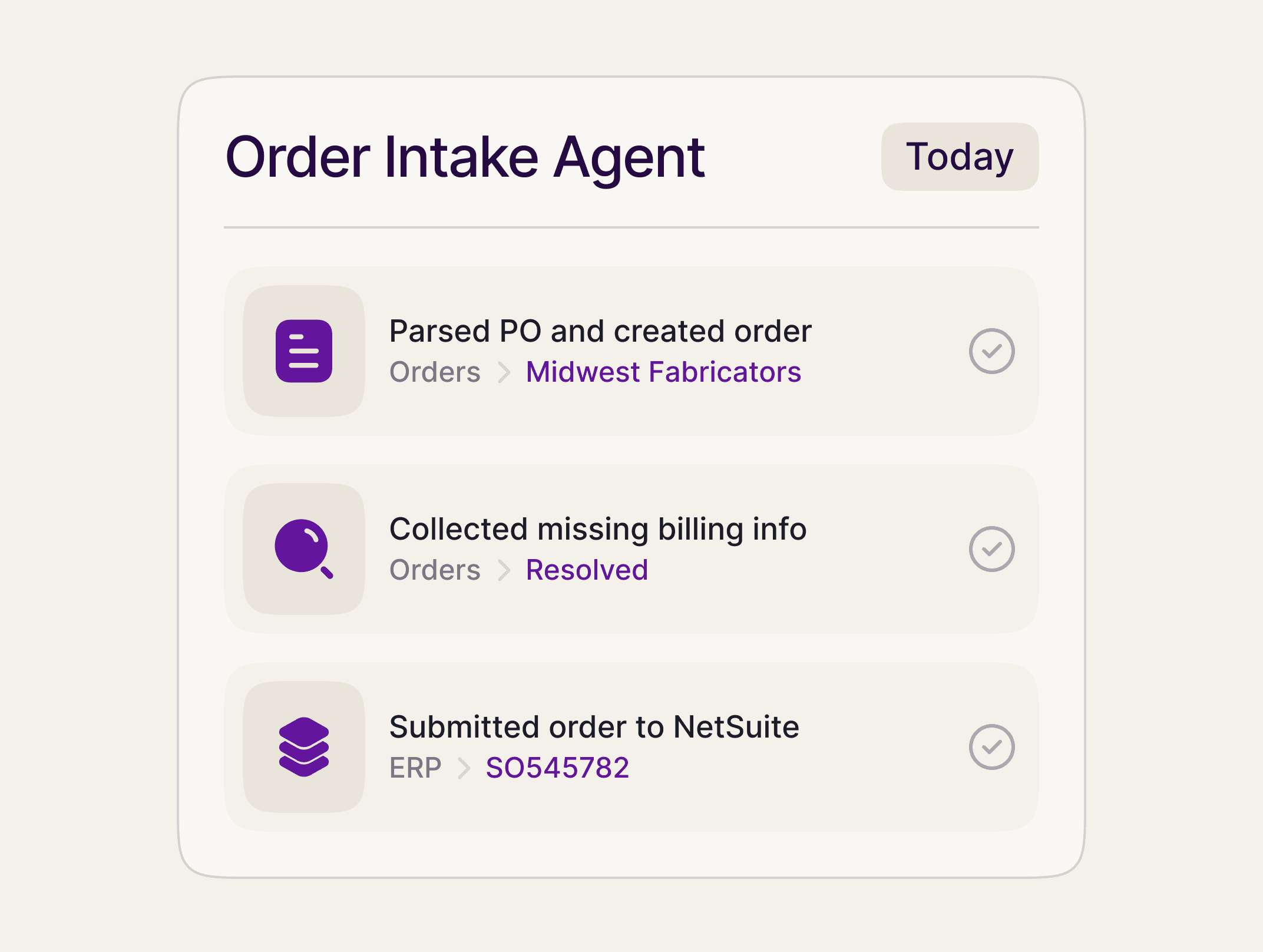
An order arrives by email with a PO attached, from your CRM, or from a form on your site. The agent reads it, pulls out the order, and fills in the customer from the web, so the record is built before anyone touches it.
Reads the email, the PO, and the attachments, not just clean forms
Pulls the PO number, customer, line items, and ship-to into a record
Enriches the customer on its own: industry, size, billing contact
When a required field is blank, the agent emails the submitter a short form for exactly what it needs and holds the order in Awaiting Info. The moment the form comes back, it picks the order up, applies your rules, and routes it to the right coordinator.
Asks the submitter for the missing fields, instead of stalling the order
Resumes on its own the moment the answer comes back
Routes by your rules, so the big orders reach a senior coordinator
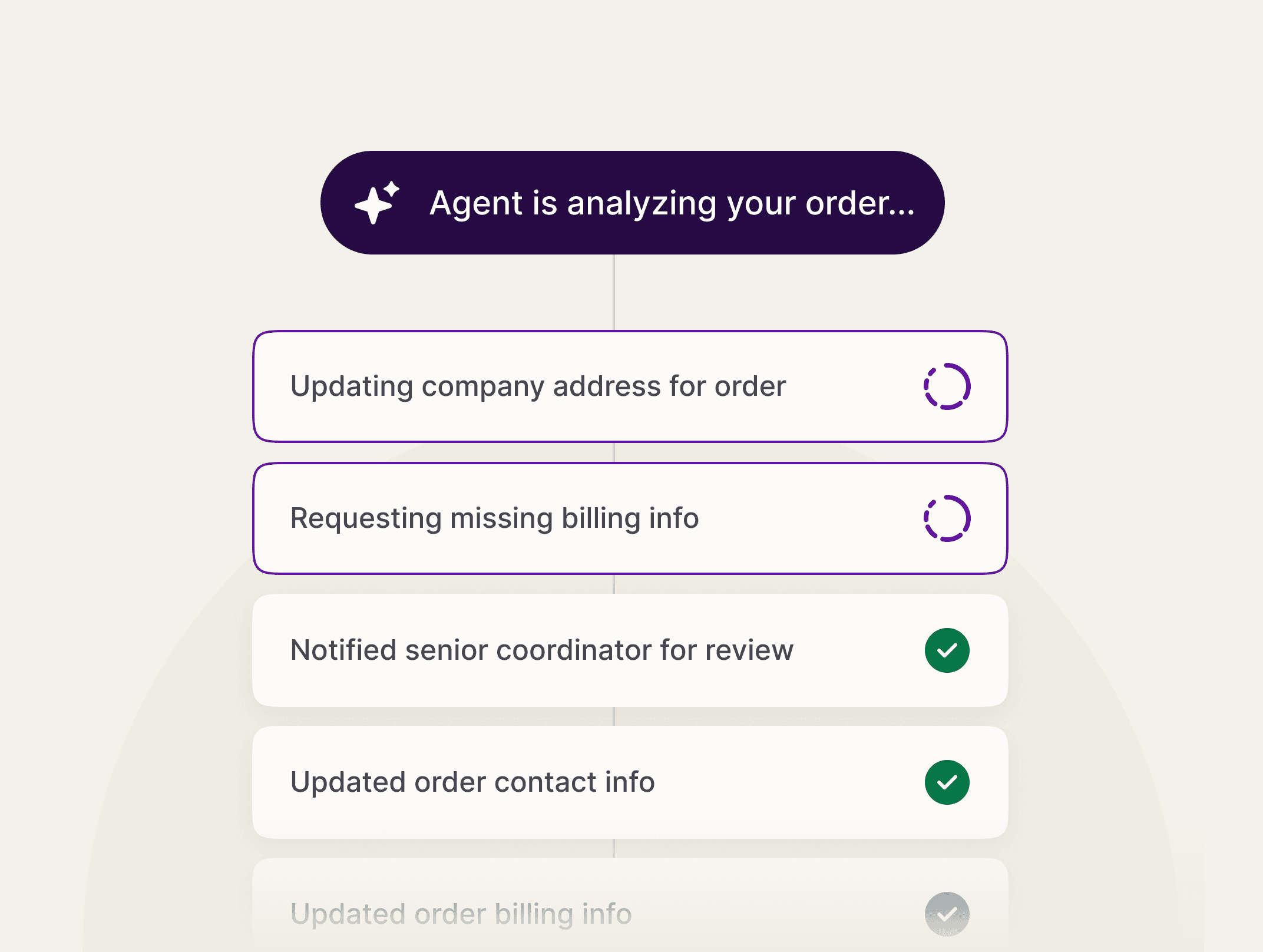

The agent does everything up to the commitment, then waits for a person to approve. Once you do, it logs into your ERP or DMS, enters the line items, submits the order, and writes the new order number back to the record.
Nothing is placed until a person approves it
Moves orders directly into your ERP or DMS
Captures the order or confirmation number and notifies the team
Stats
When the agent runs the middle, the order desk stops being the bottleneck, and orders go out faster with fewer mistakes.
500%
Faster order velocity
2X
Fewer emails
30%
Fewer order errors

FAQs
Here are the most common things people ask about the Order Intake Agent. If you don’t see your question, our team is always here to help.
We already have an ERP. Why add this?
Can vAI submit orders through Microcoft Outlook?
Does the agent place orders on its own?
How long does it take to set up?
Playbook
Review your order intake process, step by step.
The Order Intake Playbook maps every hand that touches an order from won deal to booked order, and shows you where the time goes. Enter your email to download it.
What to fix first, and what to leave alone